Managing digital documents shouldn't be a headache. Yet, we often find ourselves struggling with PDFs that are too large, contain irrelevant pages, or are scattered across multiple files. Whether you're compiling a quarterly report or extracting a single invoice from a 50-page packet, understanding how to effectively merge and split PDFs is a fundamental skill for modern productivity.
In this guide, we'll break down exactly when and how to use these two powerful functions to streamline your document workflow and keep your digital filing system organized.
"Organization isn't about perfection; it's about efficiency. A well-organized PDF is a document that gets read, understood, and acted upon faster."
1. The Power of Merging PDFs
Merging (or combining) PDFs involves taking two or more separate PDF files and stitching them together into a single document. This is crucial for keeping related information together.

When to Merge:
- Project Proposals: Combine your cover letter, proposal, and pricing sheet into one professional package for your client.
- Archiving: Stitch together monthly invoices into a single "Annual Expenses 2025" file for easier tax preparation.
- Report Compilation: Merge contributions from different team members into one final master report.
2. The Precision of Splitting PDFs
Splitting is the opposite process: taking a large PDF and breaking it down into smaller, separate files, or extracting specific pages.
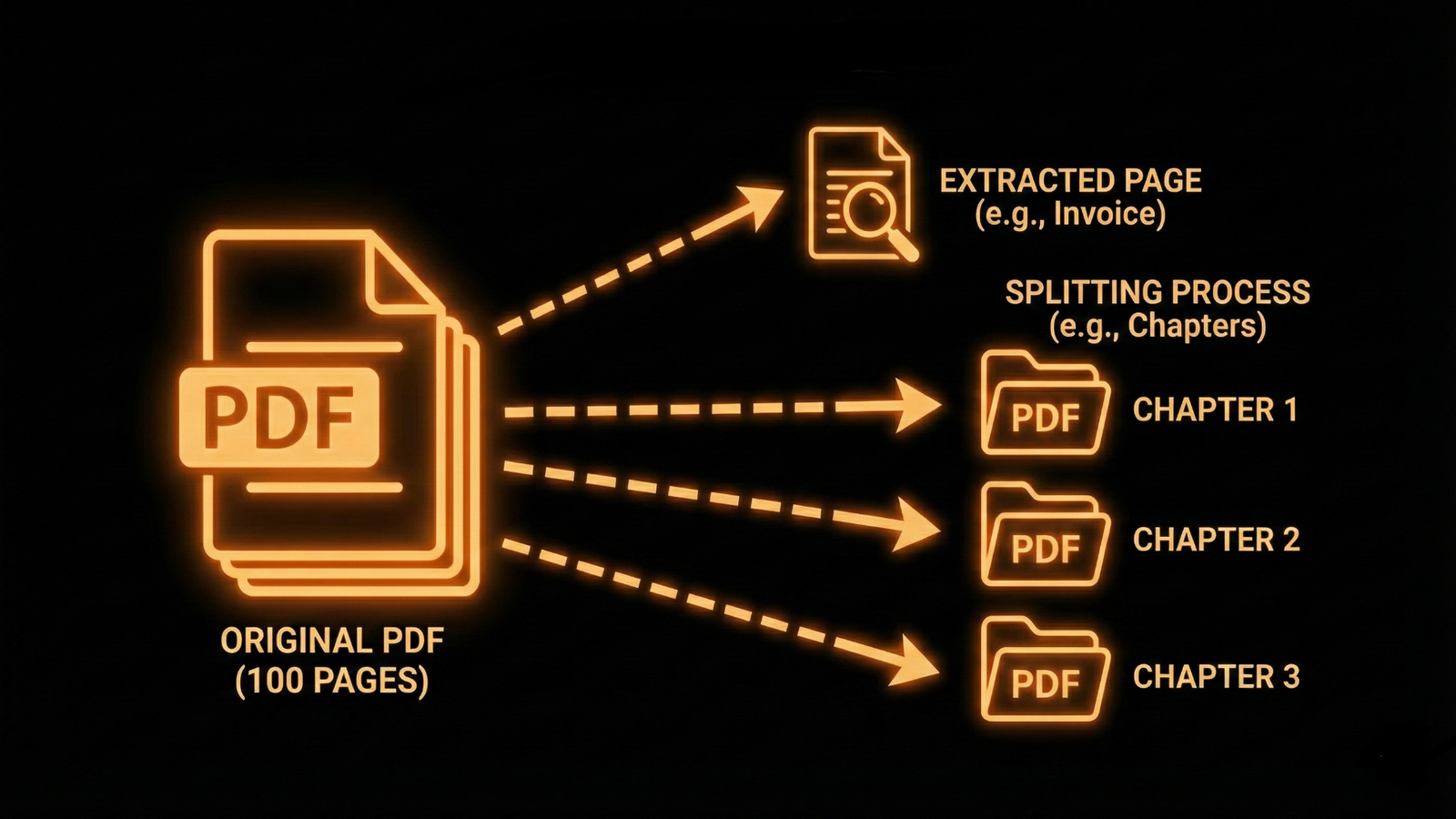
When to Split:
- Sharing Specific Data: If you have a 100-page contract but only need to send the "Terms and Conditions" to a client, split those specific pages to avoid overwhelming them.
- Reducing File Size: Break a massive manual into chapters to make it easier to email or upload.
- Removing Sensitive Info: Extract only the public-facing pages of a document before sharing, leaving behind internal memos or sensitive data.
3. Best Practices for Document Organization
Once you've mastered the tools, apply these best practices to keep your files pristine:
- Standardize Naming Conventions: Always rename your files after merging or splitting. Use a format like `YYYY-MM-DD_DocumentName_v1.pdf` so they sort chronologically.
- Check Page Numbers: After merging, your page numbers might be out of sync. Use a tool to re-paginate the final document for professionalism.
- Verify Quality: Ensure that merging hasn't compressed your images too much, or that splitting hasn't broken any interactive forms.
By treating your PDFs as flexible components rather than static blocks, you gain total control over your digital paperwork. With DigifyRace's suite of tools, these operations take seconds, not hours.